Lesson 31: NPC and Enemy Animation
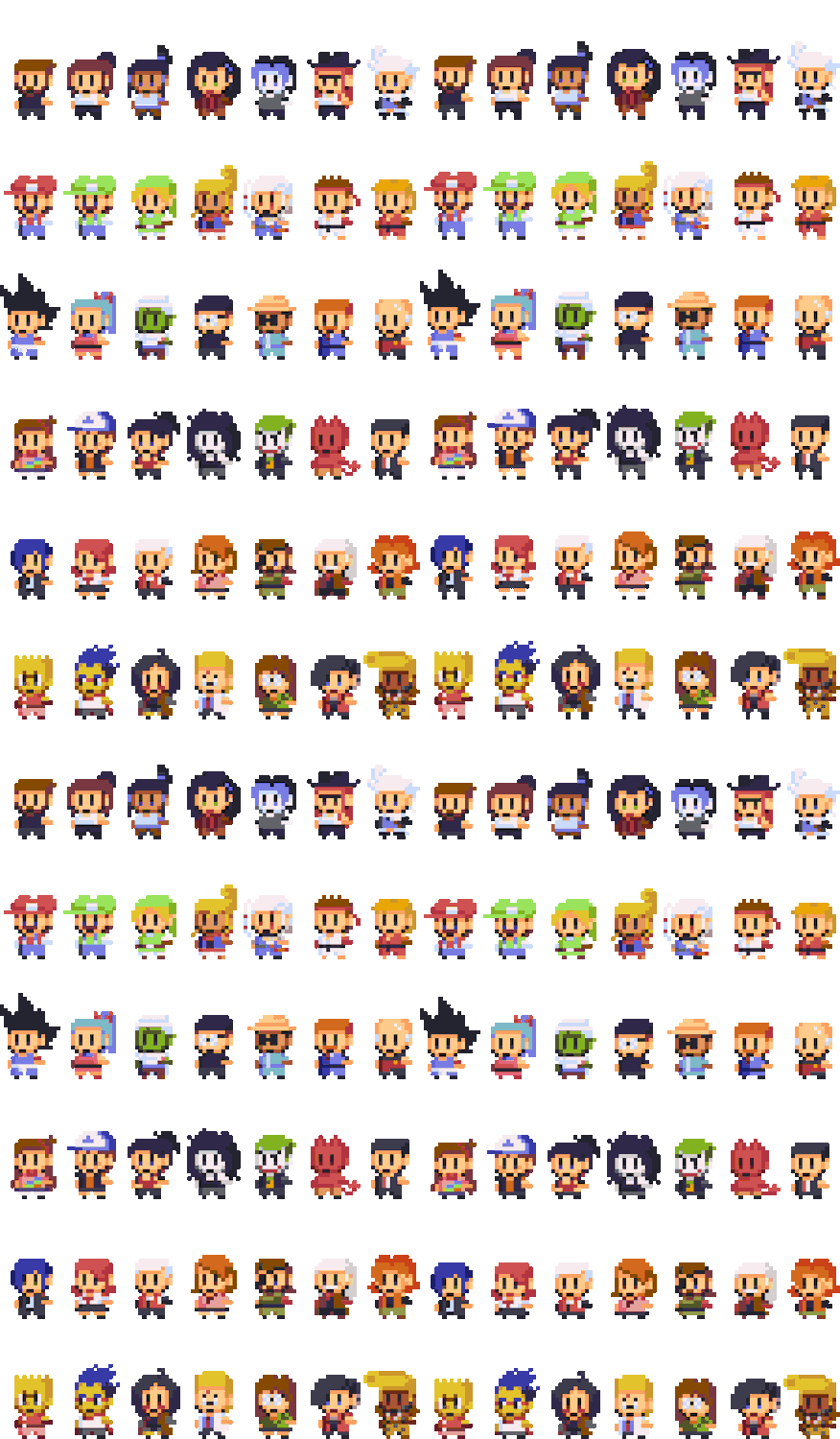
Last lesson wired up the player state machine. The world also has two kinds of "others": NPCs wandering around, and enemies who want to fight you.
Player animation leans toward game feel; the other side leans toward readability, frame economy, and expressing intent.
1. NPCs: Less but Alive
NPCs don't need a full basic attack combo. What they usually need:
| Animation | Purpose | Loop? |
|---|---|---|
| Idle | Standing, breathing, looking around | Yes |
| Walk | Patrol, move to a point | Yes |
| Talk / Emote | Dialogue, surprise, wave | Usually no |
| Interact | Hand over item, open door | No |
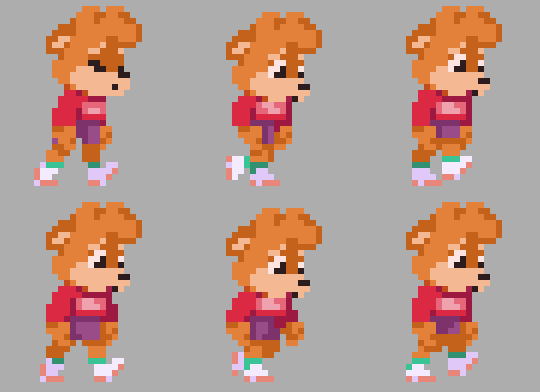
To feel "alive," don't give everyone the same Idle:
- Multiple Idles: shift weight, yawn, check phone… same character, random switch
- Silhouette variation: passersby differ in center of gravity, gestures, hats — recognizable at a glance
- Gaze: turn head 2–3 frames when player approaches is enough
On a tight budget: a few sets share Walk skeleton, swap head/clothes (like the little character sets in the image above).
2. Enemies: Animation = AI State
Enemy state machines look more like patrol graphs, with less of the player's feel baggage:
Patrol ──see you──► Alert ──in range──► Chase
   ▲                 │                    │
   └──lost target────┘                    ▼
                                      Attack
                                         │
Any damage ──► Hurt; HP=0 ──► Die
| State | Animation looks like |
|---|---|
| Patrol | Slightly looser than Walk, sometimes pauses |
| Alert | Short non-loop: look up, draw weapon, exclamation mark |
| Chase | Runs more urgently than Patrol |
| Attack | Long wind-up (see below) |
| Hurt / Die | Short, clear, don't hog the screen too long |
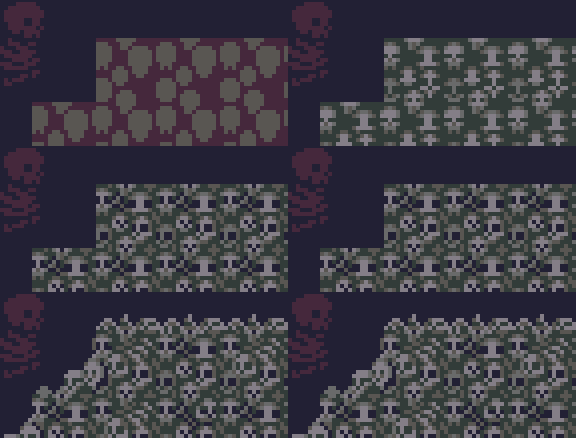
A skeleton walking on a platform — that's Patrol: steady rhythm, low information; when switching to Alert, posture should change noticeably.
3. Enemy Attacks: Readability First
Player: press button, want to see the blade immediately. Enemy: tell them you're about to attack, then strike.
- Exaggerated wind-up: lean back, raise arm, open mouth, glow… 2–4 frames or longer
- Crisp burst: slow—fast; player decides during the "slow" part
- Recovery window: post-attack stun = counter opportunity
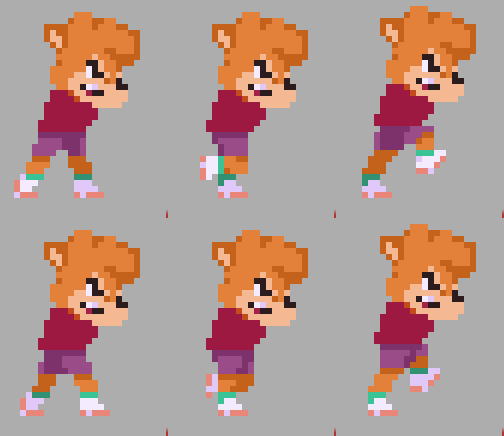
Leaning forward, baring teeth — clearly alert / wind-up at a glance, not casual Idle. If the warning isn't enough, add: red ground zone, weapon charge glow, short SFX (can stack with Lesson 28 VFX).
Grunt wind-up short, pressure through numbers; elite medium wind-up, more moves; Boss longest wind-up, biggest moves — don't give every enemy the same timing.
Hitbox / Hurtbox principles same as Lesson 29: hit detection only on attack frames, boxes slightly smaller than visuals. Turn on red/blue debug boxes and check alignment at a glance.
4. Bosses: One Step Further
Bosses are about pressure + still readable:
- Phases: low HP changes silhouette or adds moves; transformation gets its own non-loop segment
- Ultimate three-step: stop and charge → ground/body glow warning → release → obvious recovery
- Layered approach: get main action working first, then add shadow and VFX layers; don't pile fire on frame one and blur the silhouette
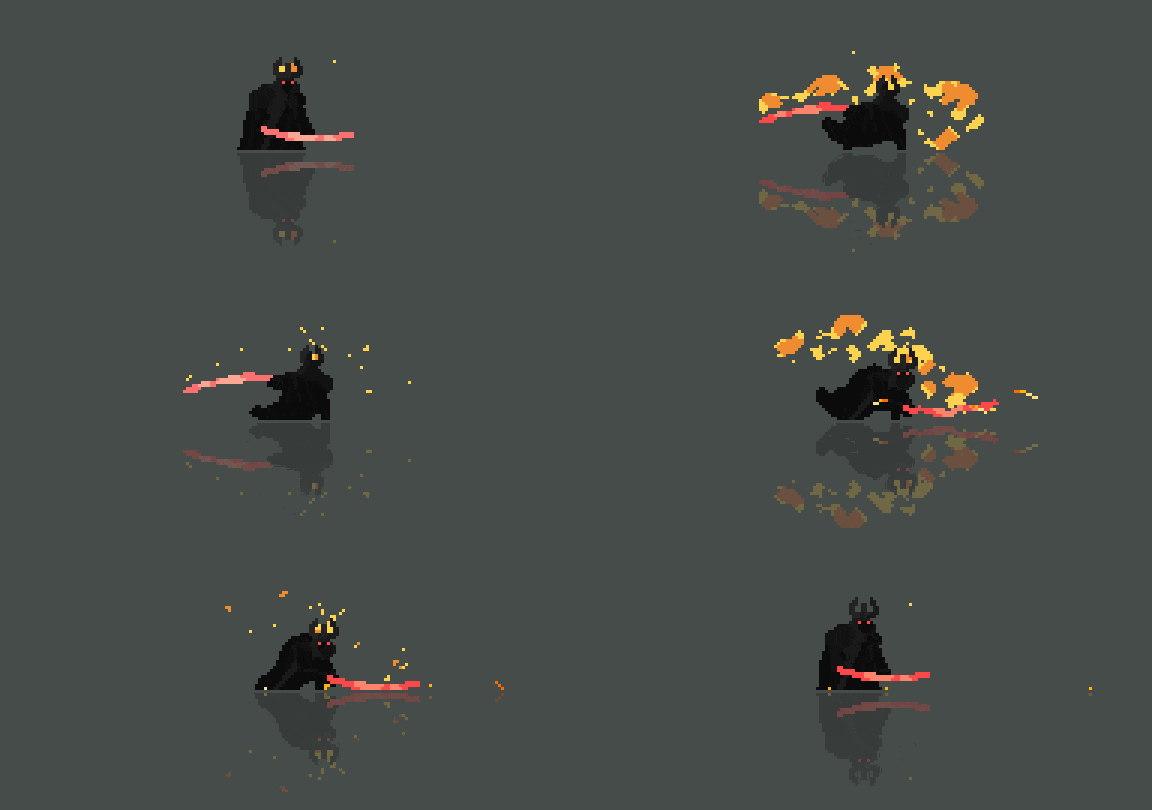
Even a tiny silhouette can "feel like a Boss": breathing Idle + weapon highlight works better than a hundred frames of empty slashing.
5. Death and Drops
Grunts: flash white / shatter / fall down, 2–6 frames and gone. Elites: slightly longer + disintegrate or small burst. Boss: staged fall, full-screen light, screen shake — give a sense of achievement.
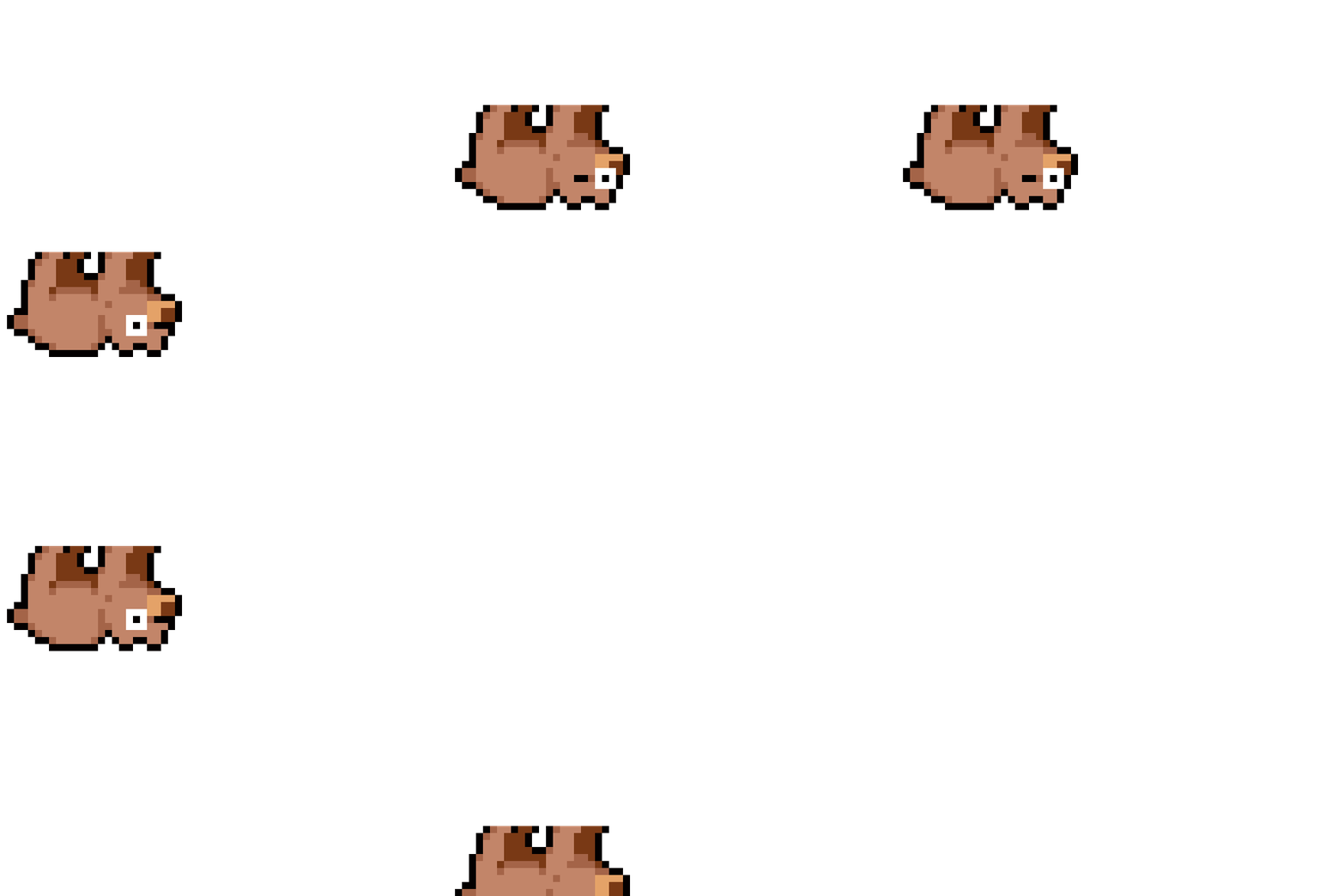
Kicking on the ground, dizzy — common Hurt / near-death tone; Die then leads to vanish or drop.
Drops: pop out → land with a small bounce → idle sparkle to attract pickup. Don't compete for attention with death VFX on the same layer.
6. Homework
Design one enemy (grunt or elite):
- Profile: name, type, one-sentence AI (e.g. "sees player and chases, slashes when close")
- Animation list: at least Idle, Patrol/Walk, Alert, Attack, Hurt, Die; mark loop and approximate frame count
- Draw 5 segments (32×32 or 48×48): Idle, Walk, Attack (with visible wind-up), Hurt, Die
- Attack labels: how many wind-up frames, which frames open Hitbox, how many recovery frames
- Optional: add 1 NPC to the same scene (dual Idle + Walk), or sketch a Boss ultimate warning
Next lesson covers UI animation and cutscenes — characters and enemies can move; the interface and narrative need to move too.
课程作者:像素熊老师
微信公众号「教你画像素画」 · B站 · X / Twitter · GitHub