Lesson 33: Game Cover and Promotional Art
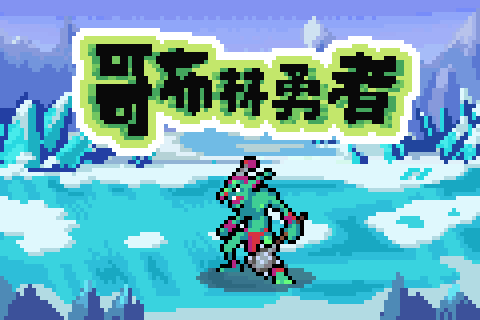
Last lesson UI and cutscenes could move; people still don't know your game exists — the first impression is often just one image. On Steam / itch lists, you get about 3 seconds: does the color grab attention → what genre does it look like → do I click?
The title screen is a "cover cousin" too: character in the center, title big enough, background only sets mood without stealing focus. The "goblin + ice field + big text" example above tells the selling point at a glance.
1. What a Cover Needs to Say
| Information | How to show it |
|---|---|
| Genre | Weapons, scene, UI vibe (platformer / RPG / shooter…) |
| Style | Pure pixel, scaled pixel, or illustration hybrid |
| Mood | Palette + pose + lighting |
| Quality | Clean composition, readable text, not a muddy blob |
Clear focal subject: one core character/object should occupy about one-third to half the frame. Foreground bright, background dark; midground shouldn't fight the protagonist for contrast. Don't put title text over busy texture.
2. Platform Sizes (Just Remember the Common Ones)
| Platform | Key image | Size | Notes |
|---|---|---|---|
| Steam | Capsule | 231×87 | Almost all you see in the list |
| Steam | Header | 460×215 | Page sidebar / header related |
| Steam | Library Capsule etc. | See official docs | Fill in at launch |
| itch.io | Cover | Usually ~630×500 | More flexible, still must survive shrinking |
| Mobile store | Icon | 1024×1024 | Square, recognizable from far away |
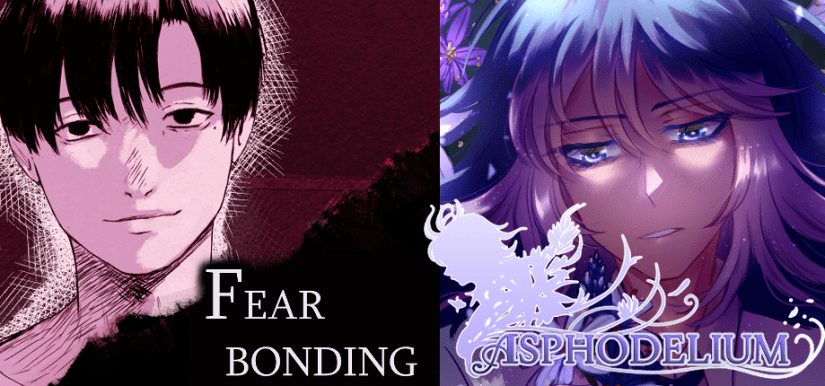
Squashing a big image to capsule ratio — subject and text get muddy and break apart; dead in the store. First thing after finishing a cover: shrink to 231×87 and look again.
3. Pixel Game Cover Strategy
In-game might be 32×32; the cover doesn't have to be the same image:
| Approach | Best for |
|---|---|
| Nearest-neighbor upscale | Emphasize retro, pixel aesthetic itself |
| Same design redrawn higher-res | Most indie games; enough detail without betraying style |
| Illustrated cover | Budget allows; want to stand out more in lists |
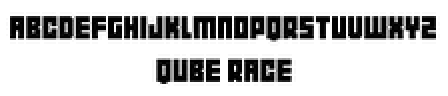
Title text: hand-drawn pixel font, or pick a hard-edge pixel font. Enough contrast; outline/outer glow OK; at capsule size you should still read two or three key words. When tilting or distorting, use Nearest — don't end up with blurry text.
Composition cheat sheet:
- Character centered + big text top/bottom
- Side-action pose + text on one side with negative space
- Boss confrontation symmetry (strong mood; text must be even brighter)
Palette follows genre: action leans warm contrast; puzzle leans cool calm; horror leans low brightness high contrast. Check value hierarchy in grayscale first, then color.
4. Promotion Is More Than One Cover
Stores also need screenshots: real playable frames often convert better than polished posters.
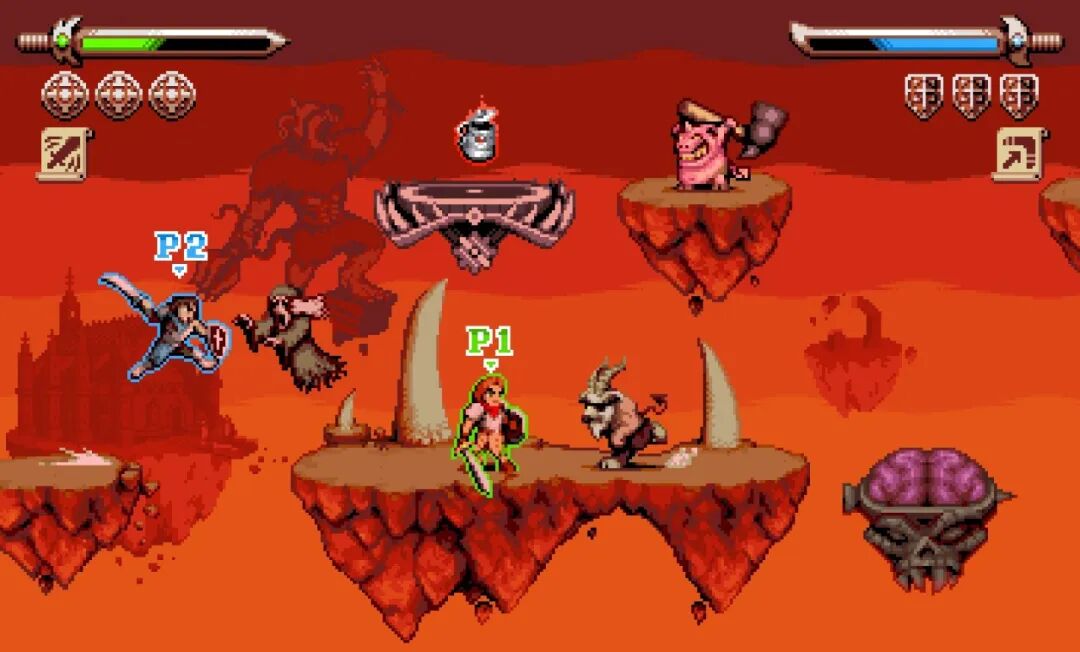
Pick the "most typical three seconds" for screenshots: one combat shot, one exploration shot, one character shot is enough to start. Social media crops square / vertical; Devlog prioritizes short GIFs.
Recognition comes from one visual rule: limited palette, unified outline, fixed head-to-body ratio… cover, icon, and promo art share one set so people recognize you across lists.
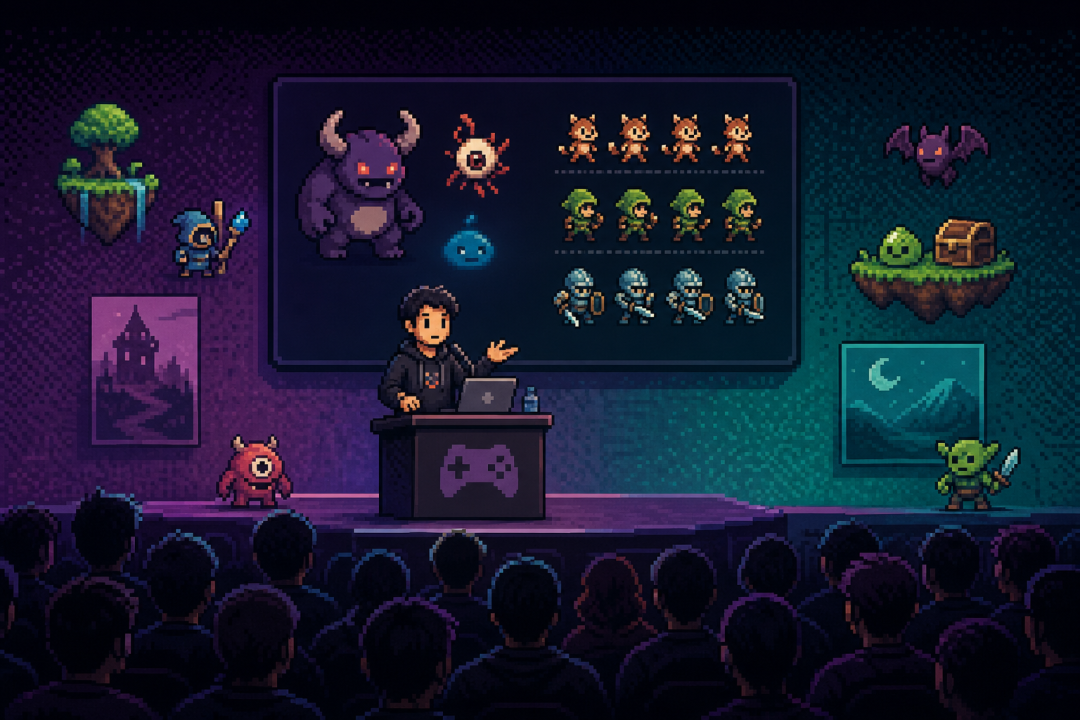
Characters, monsters, scenes from the same universe can appear as a set — like a portfolio, and like "this world has content."
Launch materials can also include: banner, square image, vertical story image. Resize per platform; don't redesign composition and selling point for every single image.
Banner/header is flatter: reposition character and title; don't just stretch the original.
5. Homework
Make a cover that's "store-ready" for your virtual project:
- Concept: game name, one-sentence selling point, target player, 3 reference covers
- Sketches: at least 3 compositions, circle the final choice
- Final: itch-oriented ~630×500, or Steam Header 460×215; includes character, background, title
- Thumbnail test: export/scale to 231×87, screenshot and explain whether subject and title stay readable
- Optional: same selling point in a variant (action-leaning / character-leaning), or add one store screenshot composition
Next lesson covers the complete game art asset pack — gather everything from previous lessons into one deliverable Asset Pack.
课程作者:像素熊老师
微信公众号「教你画像素画」 · B站 · X / Twitter · GitHub